


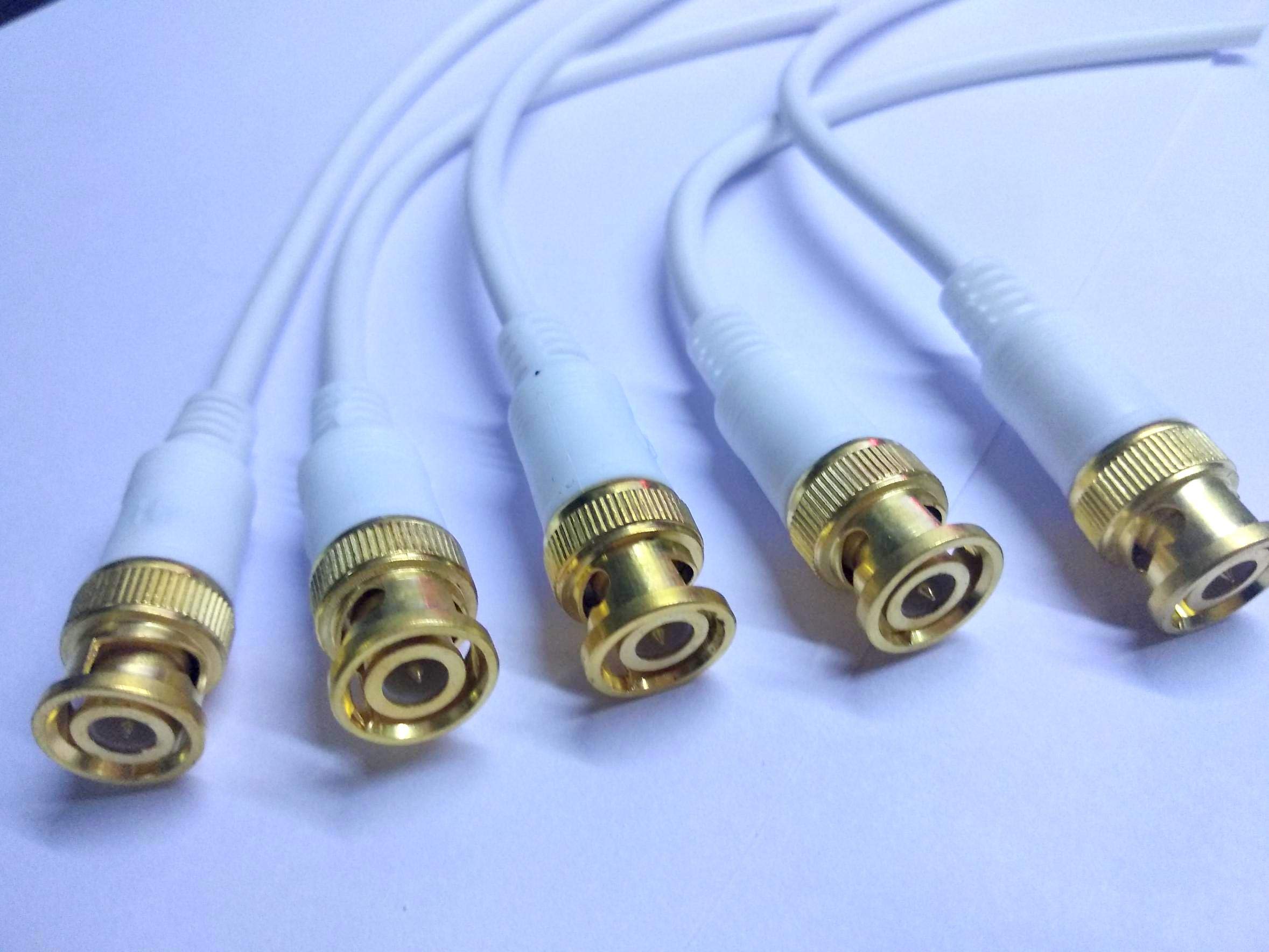
A surveillance system is only as reliable as the connections that support it. While cameras and recording equipment are important, proper cable installation plays a major role in ensuring stable video transmission and uninterrupted monitoring. In analog and HD-over-coax systems, BNC cables remain one of the most widely used solutions for connecting security cameras to DVRs and monitors.
Poor installation practices can lead to signal loss, distorted images, or inconsistent performance. Using quality cctv bnc cables and installing them correctly can help improve system efficiency, reduce maintenance problems, and extend the lifespan of surveillance equipment.
Understanding the Purpose of BNC Cables
BNC cables are coaxial cables fitted with Bayonet Neill-Concelman connectors. These connectors are designed to create secure and stable connections between CCTV devices.
The cable structure includes shielding that helps protect video signals from external interference. This is especially important in environments where electrical equipment, power lines, or other electronic devices may affect signal quality.
BNC cables are commonly used in:
- Analog CCTV systems
- HD-TVI camera installations
- HD-CVI surveillance systems
- AHD security cameras
- DVR-based monitoring setups
Their reliability and compatibility make them suitable for both residential and commercial security applications.
Plan the Cable Route Before Installation
One of the most important steps in CCTV installation is planning the cable layout carefully before beginning the setup process.
A well-planned route helps:
- Reduce unnecessary cable length
- Minimize signal interference
- Simplify future maintenance
- Improve overall system organization
Avoid routing cables through areas exposed to excessive heat, moisture, or physical damage whenever possible.
Proper planning also prevents tangled wiring and reduces the chances of accidental cable strain.
Choose the Correct Cable Length
Using excessively long cables can weaken video signals over time. On the other hand, cables that are too short may create unnecessary tension on connectors.
Measure installation distances accurately before purchasing cables. For larger buildings or outdoor surveillance systems, stronger shielded coaxial cables may be needed to maintain stable video quality across longer runs.
Selecting the right cable length helps improve transmission efficiency and reduces signal degradation.
Keep CCTV Cables Away From Electrical Interference
Electrical interference is one of the most common causes of poor video quality in surveillance systems.
To minimize interference:
- Avoid running CCTV cables parallel to high-voltage power lines
- Separate video cables from heavy electrical equipment
- Use shielded coaxial cables in industrial environments
- Avoid overcrowded cable trays whenever possible
Maintaining proper separation between power and signal cables can significantly improve image stability.
Protect Outdoor Installations
Outdoor surveillance systems require additional cable protection to withstand environmental exposure.
Sunlight, rain, humidity, and temperature fluctuations can gradually damage unprotected cables. Using weather-resistant cable jackets and protective conduits helps prevent wear and corrosion.
Underground cable installations should also include waterproof protection to avoid moisture-related signal problems.
For outdoor projects, durable cable management is essential for long-term system reliability.
Install Connectors Carefully
Improper connector installation can create weak signal transmission points. Loose or damaged BNC connectors often cause video flickering, static, or complete signal loss.
When attaching connectors:
- Ensure clean cable cuts
- Avoid damaging the inner conductor
- Secure the shielding properly
- Tighten connectors firmly
- Test each connection before final setup
Using professional crimping tools can improve connection quality and reduce installation errors.
Label and Organize Cables
Large surveillance systems may contain dozens of cable connections. Without proper labeling, troubleshooting and maintenance can become difficult.
Simple cable labels help technicians identify:
- Camera locations
- DVR input channels
- Power connections
- Backup cable routes
Organized cable management also improves airflow around equipment and creates a cleaner installation appearance.
Test the Entire System Before Completion
Testing is an essential step that should never be skipped during CCTV installation.
Before finalizing the system:
- Verify video quality from every camera
- Check for signal interference
- Inspect connector stability
- Confirm recording functionality
- Test nighttime or low-light performance
Early testing allows installers to identify and correct issues before the surveillance system becomes fully operational.
Common Mistakes to Avoid
Several installation mistakes can reduce system performance and lead to unnecessary maintenance problems.
Excessive Cable Bending
Sharp bends can damage the cable’s internal shielding and weaken signal quality.
Poor Connector Fit
Loose connectors may create unstable video transmission or intermittent signal loss.
Mixing Low-Quality Components
Using poor-quality cables with high-resolution cameras may reduce overall surveillance performance.
Ignoring Environmental Conditions
Outdoor systems without proper weather protection often experience faster cable deterioration.
Avoiding these mistakes helps improve system reliability and long-term performance.
Conclusion
Reliable surveillance systems depend heavily on proper cable installation. CCTV BNC cables continue to be a trusted solution for analog and HD-over-coax camera systems because they provide secure connections and stable video transmission.
By carefully planning cable routes, protecting installations from interference, using proper connectors, and following good installation practices, users can create more dependable surveillance networks. Proper installation not only improves video quality but also helps reduce maintenance issues and extend the lifespan of security equipment.


